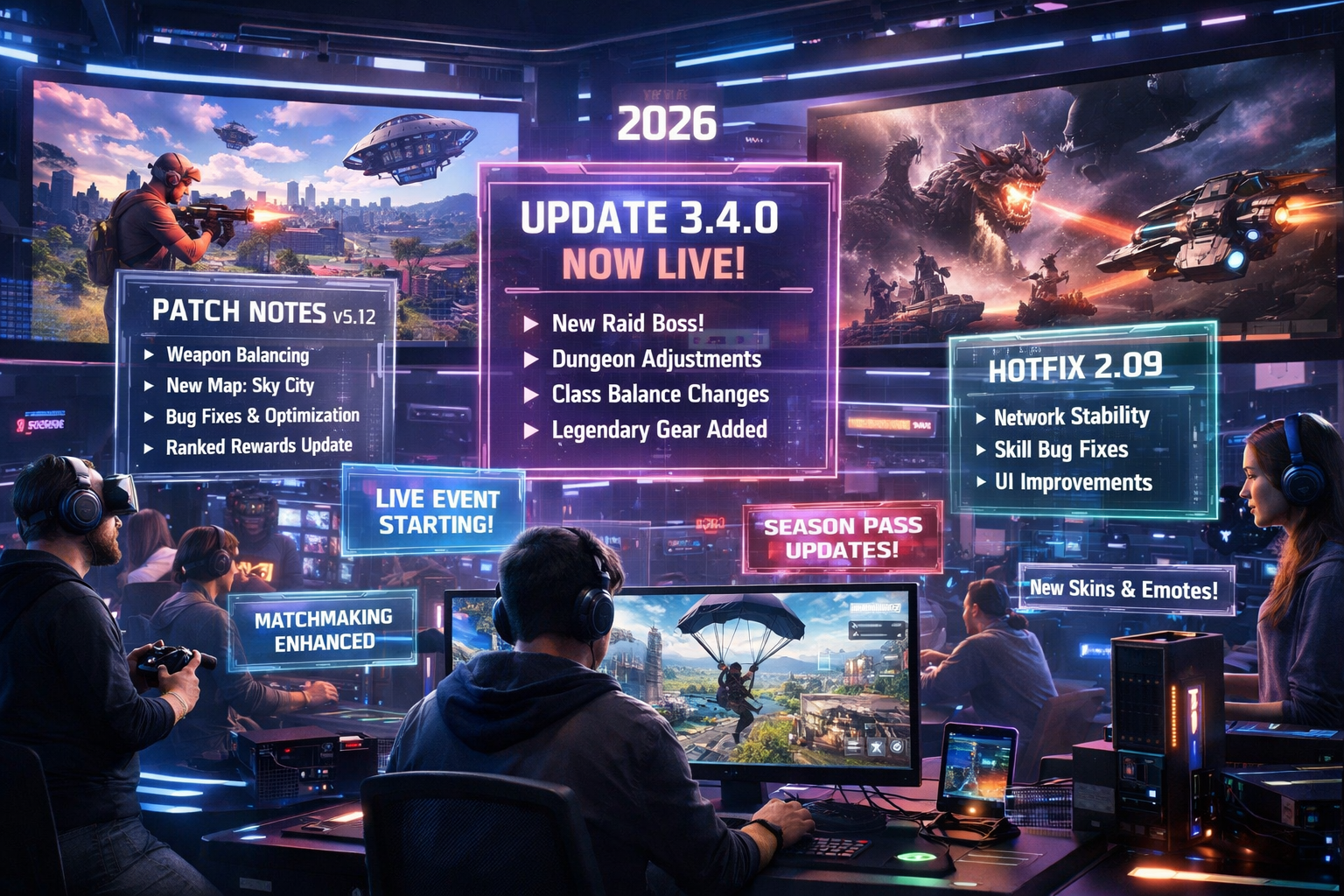
Latest Game Updates & Patch Notes 2026
943 views
A game can feel completely different after one download.
You launch it expecting the same weapons, maps, matchmaking, and familiar routines. Then a patch lands. Suddenly your favorite loadout feels weak, a map rotation has changed, an ability behaves differently, or an annoying bug you learned to work around has finally disappeared.
That’s the problem with modern game updates and patch notes: there are too many of them, and the meaningful details are often buried beneath pages of fixes.
This guide takes a different approach from a basic patch-note roundup. Instead of simply repeating developer changelogs, it looks at the latest 2026 updates through a player-focused lens: what changed, which updates can alter the way you play, and what you should check before jumping into your next match.
What’s changed in game updates during 2026?
The biggest shift is easy to miss.
Patches aren't just emergency repairs anymore. Live-service games are increasingly using them as ongoing design tools. A single update can combine balance changes, new maps, competitive-rule adjustments, progression changes, technical fixes, and seasonal content.
That pattern is visible across the major PC, console, and online games covered by PlayForGames.
Take VALORANT. Riot's official update history shows the game moving from Patch 13.00 in June to 13.01 and 13.02 in July, with the latter changing Phoenix's ultimate, adding maps to Retakes, and addressing a long list of bugs.
The numbers matter.
A player who stopped checking after Act 3 shouldn't assume Patch 12.11 still represents the current competitive environment. The game has already moved into the 13.x patch cycle.
That is the first rule of reading patch notes in 2026: check the version before you check the headline.
VALORANT Patch 13.x: small changes can have big consequences
VALORANT is a good example of why competitive players need more than a summary paragraph.
Riot's Patch 13.01 adjusted Iso, Yoru, and the Outlaw while also targeting rank manipulation. Patch 13.02 followed with a Phoenix ultimate change, additional Retakes maps, and bug fixes.
For a casual player, those may look like isolated tweaks.
For someone playing ranked, they aren't.
Agent ability timing affects utility planning. Map-pool changes affect practiced setups. Anti-smurfing measures can affect the quality of ranked matches. Even a bug fix can matter if players have built habits around an unintended interaction.
Earlier in the year, Riot also introduced Skirmish: Ascension, a limited ranked experience designed around gunplay with selected abilities, alongside a map-pool change that moved Ascent into Competitive and Deathmatch while Bind moved out.
The practical lesson is simple: don't read VALORANT patch notes as a list of isolated buffs and nerfs.
Read them as changes to the rules of the environment.
If you return after several weeks away, check three things first:
Current patch number and Act
Competitive map pool
Agent and weapon changes affecting your main role
That takes minutes. It can save hours of relearning the wrong setup.
Call of Duty: Black Ops 7 Season 05 is more than a content drop
Call of Duty's 2026 update cycle shows another side of modern patching: seasonal releases can change several games or modes at once.
Black Ops 7 Season 05 launched July 23, 2026, bringing new multiplayer maps, modes, Zombies content, Endgame additions, weapons, events, and Warzone changes.
The multiplayer additions include Jubilee, a new medium-sized 6v6 map set in a rural Japanese festival environment, plus remastered versions of Frequency and Dig. Mid-season content includes Turbo Tilt and the Freerun: Descent map.
Then there are the modes.
Overdrive Domination adds an objective-focused layer to the Overdrive system, while Gauntlet Rush cycles through Team Deathmatch, Kill Confirmed, Domination, Hardpoint, and Roulette. Each mode lasts two minutes before switching within the same match.
That's not merely "new content."
It changes the rhythm of a match.
A player who relies on slow, defensive positioning may find Gauntlet Rush particularly uncomfortable because its reward system favors continued engagement and objective activity.
Zombies gets a substantial refresh too
Season 05 adds Eidskallen Lighthouse, a Survival map located on Beacon Island, along with Directed Mode for Kowakujō and new Rogue Run playlists for Astra Malorum.
Directed Mode is especially useful for players who don't want to memorize every quest step from external guides. Kowakujō's version provides on-screen quest guidance and has a maximum round cap of 15. Completing it provides the Yōjinbō Operator Skin for Carver, a Calling Card, and 5,000 XP.
That is a nice example of an update solving a real player-friction problem.
You don't always need more difficulty.
Sometimes you need better signposting.
Warzone updates can change your drop strategy overnight
Warzone is where map changes deserve immediate attention.
Season 05 introduces Drone Labs to Verdansk, positioned south of Quarry. The location contains administrative and research buildings plus an outdoor drone obstacle course. New limited-time modes also include Lockdown Casual and Heavy Metal Heroes.
For regular Warzone players, a new POI isn't just scenery.
It changes landing decisions, early rotations, loot routes, sightlines, and the likelihood of encountering another squad. If you've been using a memorized drop route for months, don't assume it remains optimal after a major seasonal update.
The smarter approach is to spend a few matches testing the new area without treating every game as a ranked run.
Find the exits.
Check vertical angles.
Learn where fights naturally collapse.
Then decide whether the location belongs in your regular rotation.
Not every patch deserves the same reaction
This is where patch-note readers often waste time.
A developer can publish twenty changes, but only two may actually affect your game.
A useful way to sort updates is by impact:
Update type | Typical effect | What you should do |
|---|---|---|
Hotfix | Repairs an immediate problem | Check whether your known bug is fixed |
Balance patch | Changes weapons, heroes, abilities, or systems | Revisit your loadout or main |
Map update | Changes routes, rotations, or map pool | Play several practice matches |
Seasonal update | Adds substantial content | Check progression, modes, rewards, and new mechanics |
Technical patch | Performance, stability, crashes, networking | Update before troubleshooting |
Anti-cheat/ranked update | Changes competitive integrity | Review matchmaking or ranked rules |
The distinction matters because a 200 MB hotfix and a major seasonal download shouldn't be approached the same way.
One fixes yesterday's problem.
The other can redefine tomorrow's meta.
Why hotfixes are easy to misunderstand
A hotfix doesn't always require a traditional client download.
Blizzard's World of Warcraft hotfix documentation explicitly notes that some changes take effect immediately, while others require scheduled realm restarts. Some issues cannot be addressed without a client-side patch.
That's why a player can read a newly published change and wonder, "Why isn't it working yet?"
The answer may be deployment timing.
For example, Blizzard's July 28, 2026 World of Warcraft hotfixes included a Blood Death Knight correction involving the Dance of Midnight Apex talent ranks, plus fixes involving PvP trinket cooldown display and world-boss loot for alternate characters.
None of those changes needs to look dramatic.
But if one affects your character, it can matter immediately.
The best way to read patch notes before playing
Don't start at the top and read every line.
Use this order instead:
1. Find the version and release date
A patch number tells you whether you're looking at current information or an old article being recycled.
2. Search for your main
Look for your character, weapon, class, hero, map, mode, or platform.
If you're a VALORANT Yoru player, for example, the Yoru section matters far more than cosmetic adjustments elsewhere in the notes.
3. Check system-level changes
Matchmaking, ranked rules, anti-cheat, progression, server changes, and input systems can affect everyone.
4. Read bug fixes selectively
This is where you'll often find the weird stuff.
A weapon firing incorrectly. A quest failing to trigger. A replay disappearing. A reward not being granted. Tiny problems, sometimes maddening ones.
5. Test before blaming your setup
After a substantial patch, give the game one clean session before changing graphics drivers, reinstalling files, or rebuilding your settings.
I've seen players spend an hour troubleshooting a "broken" configuration that was simply a changed default after an update.
Not every mystery is a hardware problem.
PC players should watch the technical side, too
Game updates don't exist in isolation from the operating system and GPU stack.
Windows updates, graphics-driver releases, shader compilation, anti-cheat modules, and game patches can interact in unpleasant ways. A title that ran perfectly last week may stutter after a patch because shaders are rebuilding, not because your RTX card suddenly became inadequate.
The same principle applies to AMD and Intel hardware.
Before diagnosing performance, record the basics:
Game version
GPU model and driver version
Windows version
Resolution and display mode
Upscaling or frame-generation setting
Whether the problem occurs only in one game
That information turns "my FPS is terrible" into something a developer or support team can actually investigate.
What 2026 patch trends tell us about gaming
Three patterns stand out.
First, seasonal updates are getting denser. One release can touch multiplayer, PvE, ranked play, cosmetics, progression, and technical systems simultaneously.
Second, competitive integrity is becoming a patch category of its own. VALORANT's 2026 updates, for example, have included work targeting rank manipulation and smurfing-related behavior.
Third, developers are increasingly using temporary modes as testing grounds.
Overwatch's July 30 retail update is a useful example. Blizzard introduced balance changes specifically for the limited-time Quick Play Hacked experience, including adjustments designed to evaluate elements of 6v6 gameplay. Mauga's Overrun cooldown was reduced from 7 to 6 seconds, while Ramattra's Void Barrier cooldown moved from 16 to 13 seconds and its duration dropped from 4 to 3 seconds.
That's a fascinating shift.
A temporary mode isn't necessarily just entertainment. It can also function as a live experiment.
FAQs about game updates and patch notes
How often should I check game patch notes?
For competitive or live-service games, checking once or twice a week is usually enough unless you're actively climbing ranked. Major seasonal launches deserve a closer look on release day.
Do I need to download every patch immediately?
Usually, yes, if the game requires the current client version for online play. Hotfixes can be different because some changes are server-side and may not require a full client update.
Why did my settings change after a game update?
Major patches can reset graphics, input, accessibility, or display settings. Driver changes can also affect defaults. Before assuming something is broken, compare your current settings with the configuration you used previously.
Can a small balance change really affect the meta?
Absolutely. A cooldown adjustment, damage multiplier, recoil value, movement change, or map rotation can alter which strategies are efficient. Competitive players often notice these effects before casual players do.
Where should I find the most reliable patch notes?
Start with the developer or publisher's official patch-note page. Community summaries are useful for interpretation, but the original notes are the best reference for exact version numbers and changes.
The smarter way to follow 2026 game updates
Patch notes are most useful when you treat them as a decision tool, not homework.
Check the version. Find your main. Scan the systems that affect your mode. Then play.
For VALORANT, that may mean reviewing the current agent and map environment before ranked. For Black Ops 7 and Warzone, it can mean learning a new POI or mode before settling into a familiar rotation. In World of Warcraft, it may mean checking whether a hotfix is already live before changing your build.
And keep an eye on the date.
Game information ages quickly now. A guide published in April can still be useful, but its balance advice may be obsolete by August.
For PlayForGames readers, the most valuable patch-note habit is therefore a simple one: don't just ask what changed—ask what changed for the way you play.
game updates 2026
patch notes 2026
latest game patches
gaming news updates
game bug fixes
Found this helpful? Share it!